Manage your care, right from your phone
Because we are part of CVS Health®, one way to access your Oak Street Health information is on the CVS Health app.
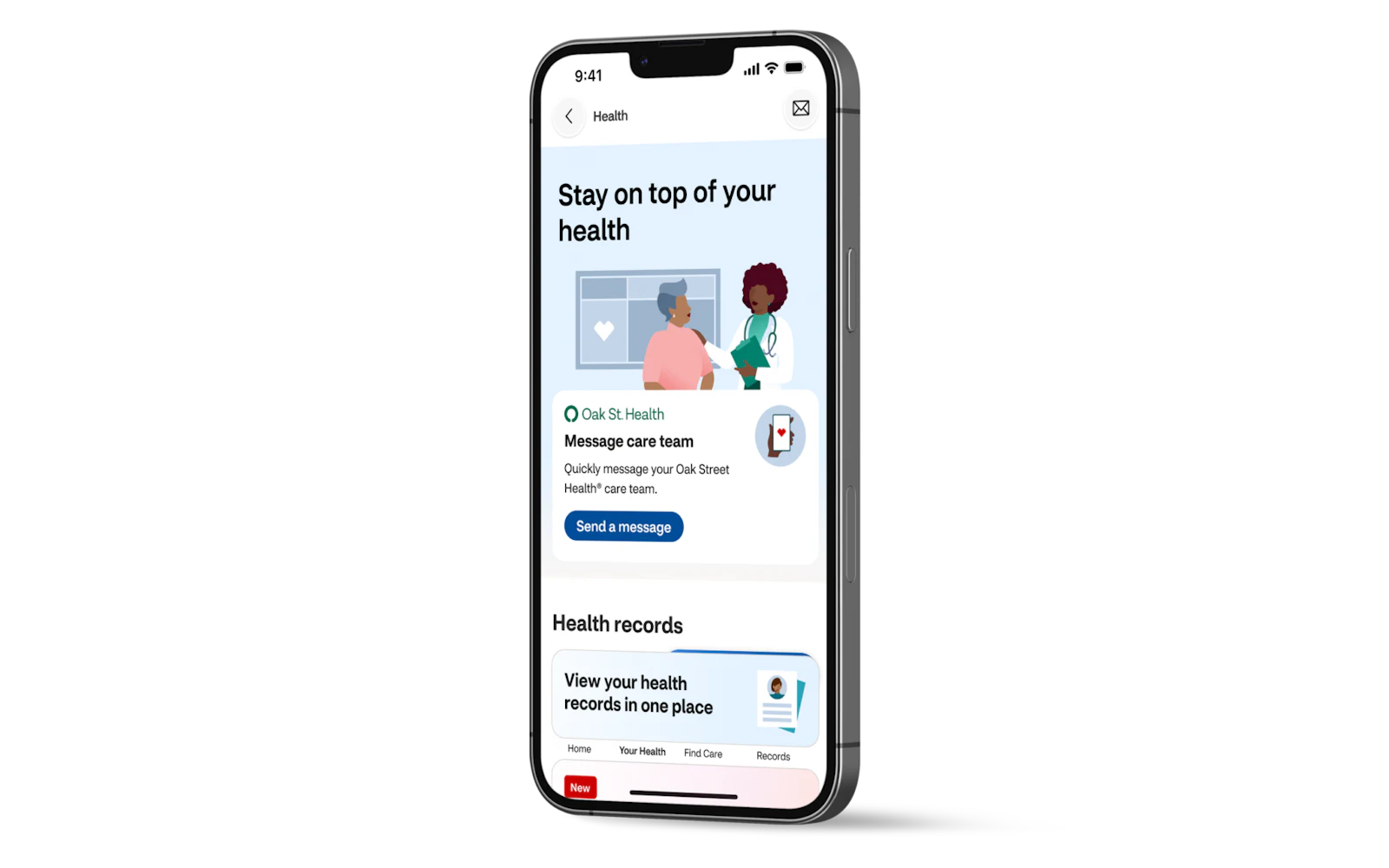

In the CVS Health app, you can:
- Message your care team with questions between visits
- View test results and medical records
- Request prescription refills

To download the CVS Health app:
- Scan the QR code, or
- Search “CVS Health” in the App Store for iPhone or Google Play store for Android.


Get started with the CVS Health app
Watch this video for step-by-step instructions on how to sign up.

Need help getting set up?
Talk to your welcome coordinator at your next visit.
You can also see this information in MyChart®. Call us if you would like help creating a MyChart® account at (833) 742‑1939.